Aftercare instructions on WhatsApp, in Urdu and English
"Bite on the cotton for half an hour, no hot drinks today, take the tablets after food." Patients nod, and by the time they reach the car they've forgotten half of it. A printed sheet in English doesn't help a patient who reads Urdu, or one who doesn't read at all.
In FindClinica you send the instructions on WhatsApp from the patient's file. The patient opens a page with your clinic's details, the instructions in English and Urdu, and a button that reads them aloud. It's there whenever they need it, even at 11 at night when the bleeding worries them.
Updated
Ready-made templates, and your own
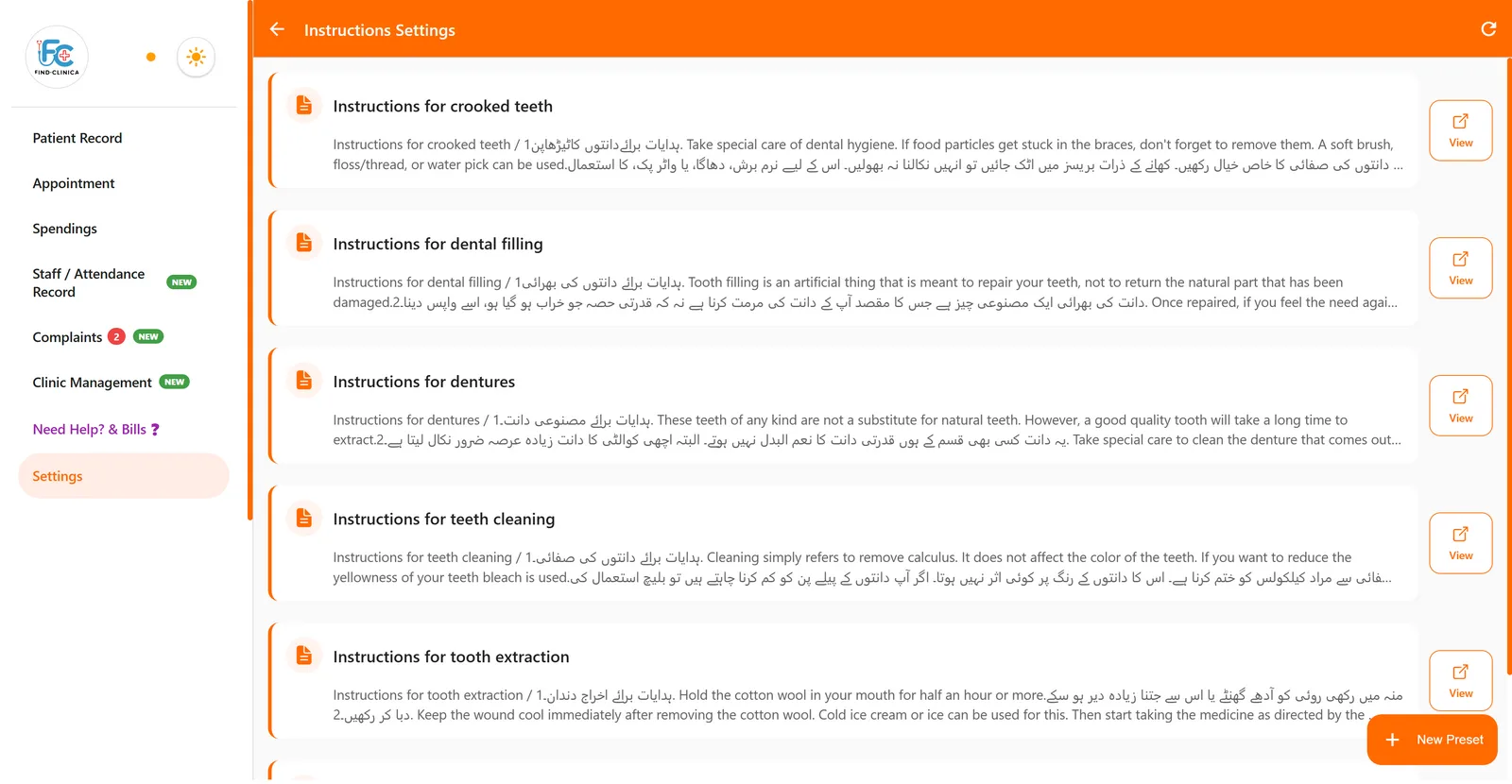
Six dental templates come with the app, each in English and Urdu: Instructions for crooked teeth, Instructions for dental filling, Instructions for dentures, Instructions for teeth cleaning, Instructions for tooth extraction, and Root cleaning instructions.
In Settings, Instructions Settings, you can read them, change them, or add your own with New Preset. The editor has headings, bold and italic, lists, alignment and colours, and takes Urdu as easily as English. A GP might add advice after a nebuliser or for diabetic foot care; a physiotherapist, home exercises.
Sending them
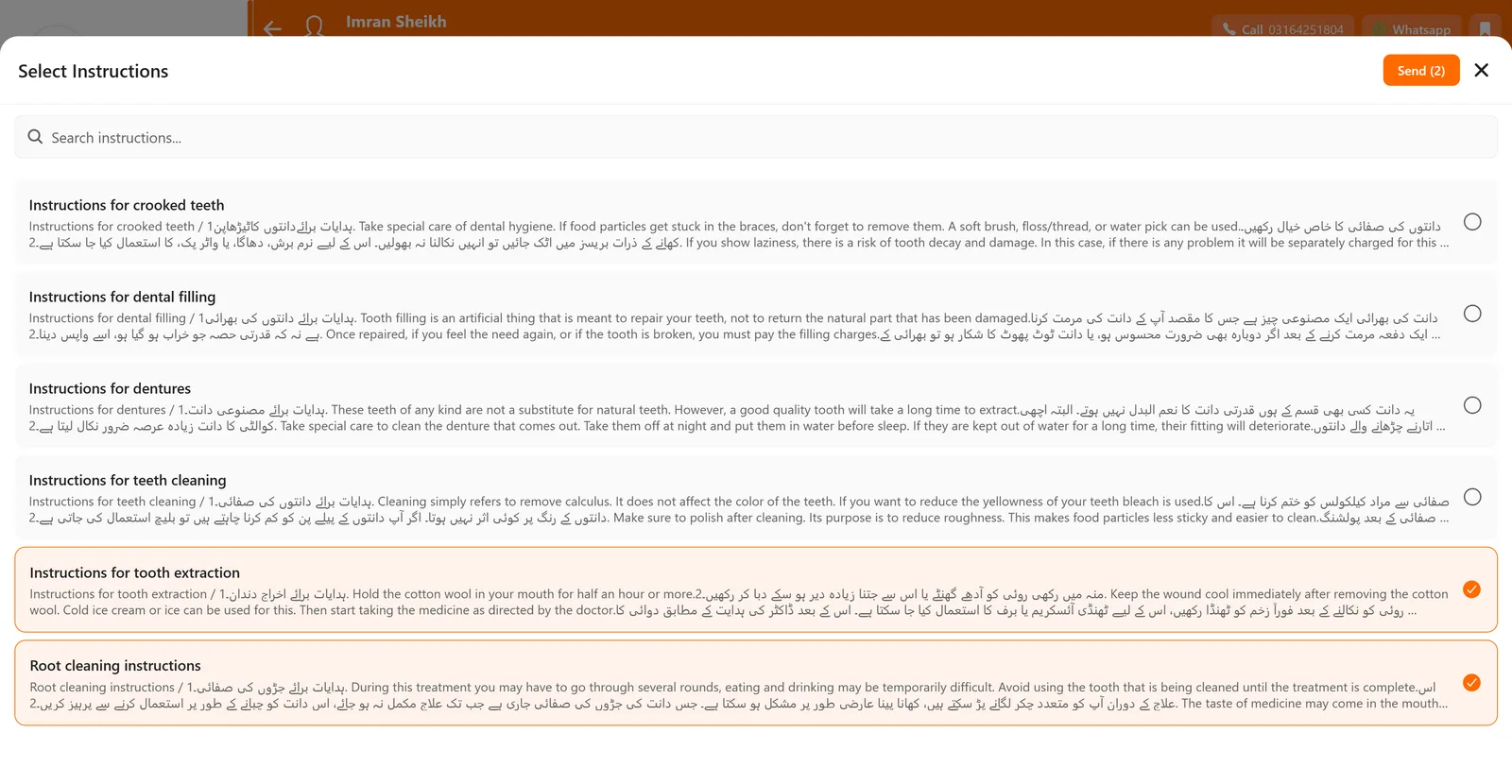
Open the patient's file and press Send Instructions. Tick one or more, for example the extraction instructions and the root canal ones for a patient who had both, and press Send. WhatsApp opens with the patient's number and a message listing each instruction with its link, signed with your name, speciality, clinic, address and phone.
You check the message and press send in WhatsApp yourself. It goes from your own WhatsApp, so patients see it from the clinic they know.
What the patient gets
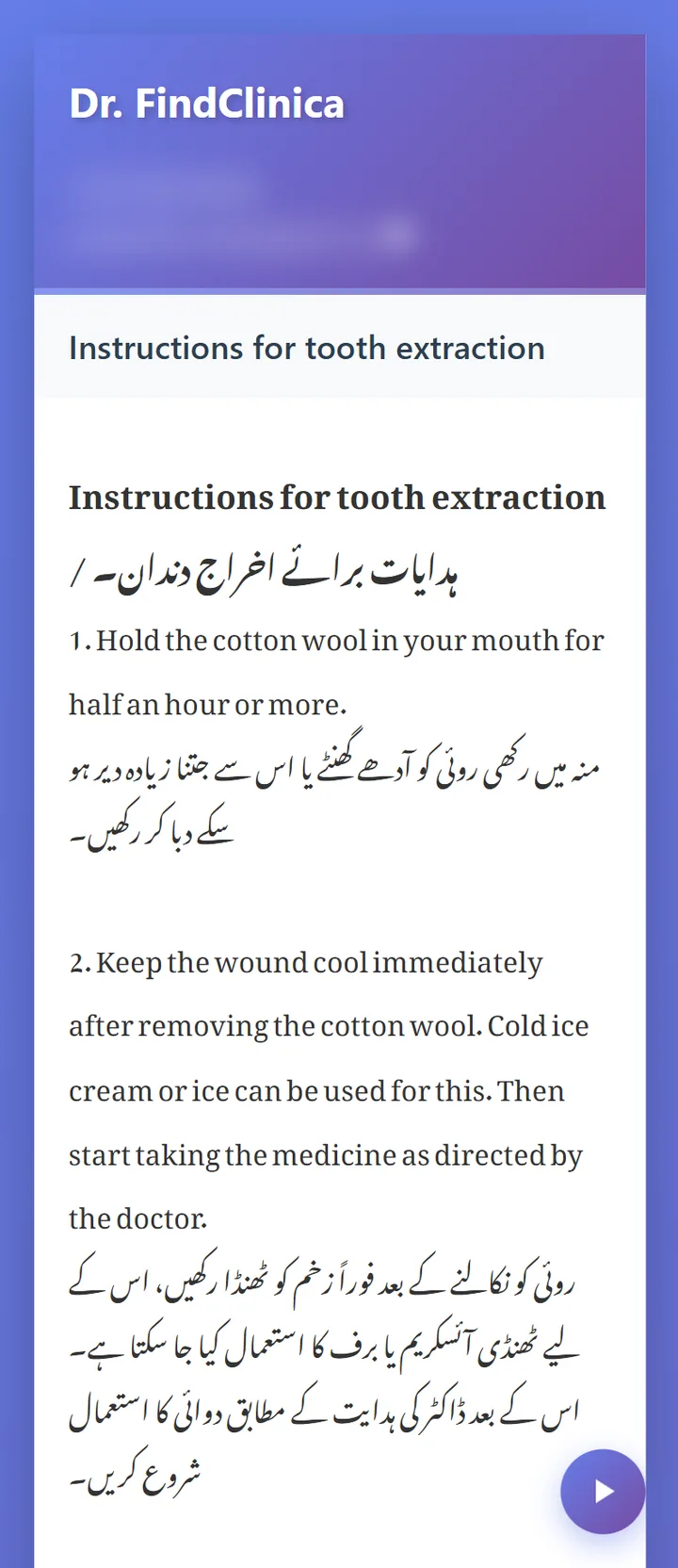
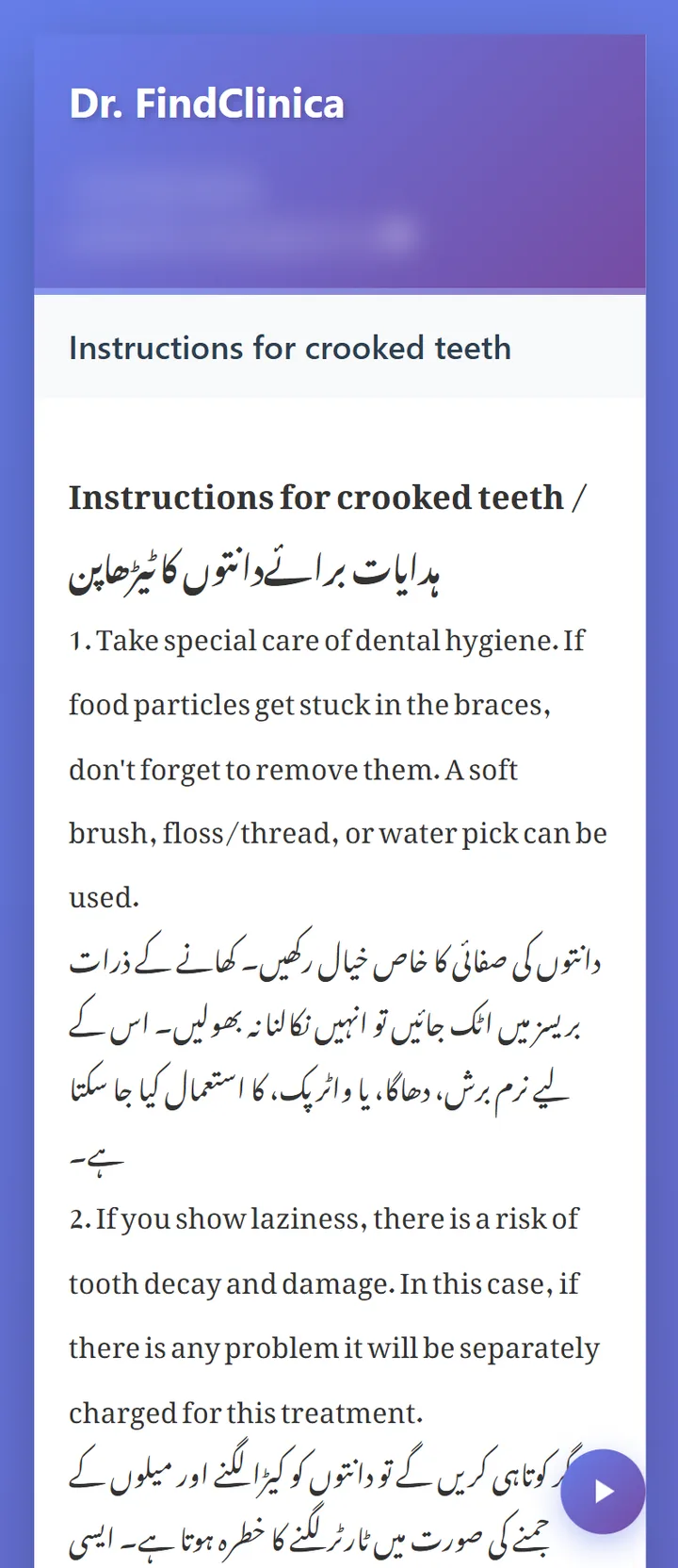
The link opens a page with your name, clinic, speciality and address at the top, and a phone number they can tap to call. Below are the instructions, with Urdu shown in a proper Nastaliq font, the way Urdu is read in books and newspapers.
The round button at the bottom reads the instructions aloud with the phone's own voice: Urdu text in an Urdu voice where the phone has one (or the closest voice it has), English text in English. For an elderly patient or one who doesn't read easily, that matters more than any formatting. The link doesn't expire, so the patient can open it again a week later.
Good to know
Each instruction has one link for your clinic, the same for every patient who receives it. So keep instructions general and put anything personal, like a medicine dose, in the prescription instead. How prescriptions work.
Sending needs an internet connection, and it goes by WhatsApp only, not SMS. The app doesn't keep a log of which patient got which instructions, so if you want a record, note it in the visit.
Common questions
Can I write instructions only in Urdu?
Yes. The editor takes Urdu, and the patient's page shows it in Nastaliq and reads it aloud in an Urdu voice where the phone has one.
Can I add pictures to the instructions?
Not at the moment. The editor handles text with headings, lists, bold and colours.
Can I send several instructions at once?
Yes. Tick as many as you need and they go in one WhatsApp message, each with its own link.
Does the patient need FindClinica?
No. The link opens in any phone browser.
Read next
- Software for orthodontists
- Appointment reminder messages
- Prescription software for doctors
- Dental clinic software in Pakistan
More for clinics in Pakistan
- Dental Clinic Software in Pakistan
- Clinic Management Software in Pakistan
- EMR Software in Pakistan for Small Clinics
- Prescription Software for Doctors in Pakistan
- Patient Record App for Doctors
- Paper Register vs Excel vs Clinic Software
- Best Clinic Software in Pakistan, Compared
- Clinic Management App for Android
- Clinic Software in Lahore
- Clinic Software in Karachi
- Clinic Software in Islamabad
- Software for Clinics With More Than One Doctor
- Online Prescription Maker for Doctors
- Software for Orthodontists in Pakistan
- Clinic Software That Works Offline
- How to Read a Periodontal Chart
- Patient Complaint QR Code for Clinics
- Sentinel Event and Incident Reporting for Clinics
- Healthcare Waste Log for Clinics in Pakistan
- Free Clinic Software for Windows
Free tools and templates
Try it with your next patient
The free plan costs nothing and has no time limit. Install it and add one patient, or ask us anything on WhatsApp first.