Clinic software that keeps working when the internet doesn't
The light goes, the router goes with it, and the patient in the chair still needs a record, a payment and a next appointment. Most clinic software in Pakistan runs on the company's servers, so every screen waits for the internet. When the connection drops, so does the clinic.
FindClinica was built the other way round. Your records are kept on your own phone and on the reception computer, and the app syncs them with our server in the background whenever it can. You keep working either way.
Updated
Why it matters here
In NEPRA's latest yearly report, the distribution companies themselves reported average load-shedding of about 10 hours a day in QESCO's area, 8 in HESCO's, 5.5 in PESCO's and about 5 in K-Electric's. NEPRA's own monitoring found the real figure in some of those areas above 8 to 10 hours a day. Lahore, Islamabad, Faisalabad and Gujranwala reported very little.
The internet has its own problems. Access Now counted at least 20 internet shutdowns in Pakistan in 2025, and a fault on an undersea cable slowed connections across the country in July 2026. A clinic can't put patients on hold until the network comes back.
How it works
Everything you do is saved on the device first, in a database on the phone or on the Windows computer, and added to a list of changes waiting to go up. Every 10 seconds the app checks whether it can reach our server. If it can, it sends the waiting changes, and removes each one from the list only once the server has confirmed it. Then it fetches anything your other devices changed.
If the connection drops halfway, nothing is lost: the changes simply wait for the next try. Once a day the app also runs a check that compares your records with the server's and repairs anything missing, and you can run it yourself from Settings with Check & Repair Records.
The dot that tells you
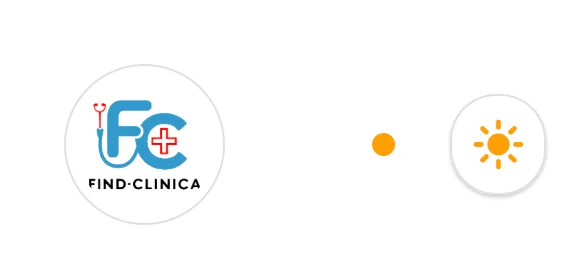
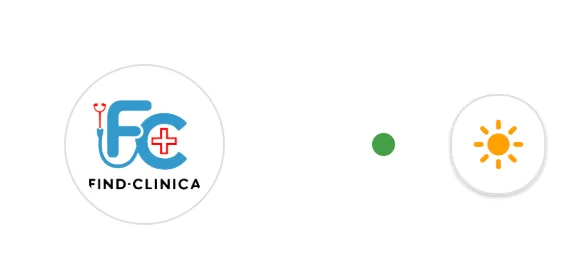
Next to the theme button at the top of the menu there is a small dot. Orange means there are changes on this device that haven't reached the server yet. Green means everything is synced. It doesn't measure the internet itself; it tells you whether your latest work is safely on the server.
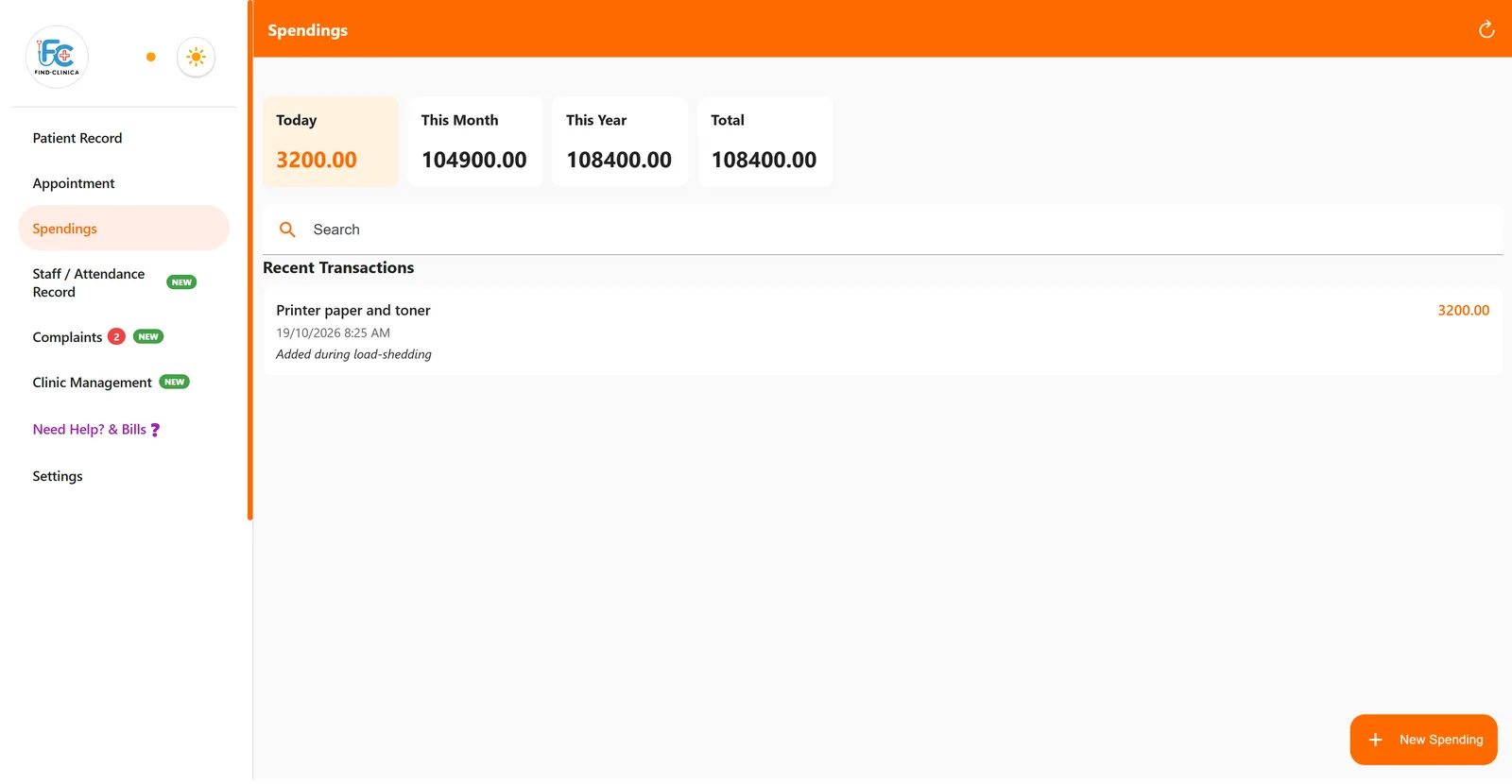
In the screenshots, the computer was cut off from the network, a clinic expense was added, and the dot was orange. When the connection came back, the dot turned green on its own within seconds.
What works offline, and what doesn't
Most of the daily work doesn't need a connection at all.
| Offline | Notes | |
|---|---|---|
| Adding and finding patients | Yes | |
| Visit notes, treatments, follow-ups | Yes | |
| Payments and clinic expenses | Yes | |
| Booking appointments | Yes | The patient's SMS goes out once the booking reaches the server |
| Perio charts | Yes | |
| Clinic registers (incidents, waste, drugs) | Yes | Photos on an incident need internet |
| Sending a prescription | No | The prescription image is made on our server |
| Uploading photos (gallery, ortho chart) | No | |
| Sending aftercare instructions | No | The instructions are fetched from the server |
One honest caveat: if two devices change the same record while both are offline, the change that reaches the server last is the one that stays. In practice this is rare, because the reception computer and the doctor's phone usually work on different things, but it's worth knowing.
Backups, and a lost phone
Once a day, when there is nothing left to sync, the app uploads a full backup of the clinic's records to our server. So a stolen phone or a dead hard drive doesn't take your patients with it: install FindClinica on the new device, sign in, and the records sync back.
The desktop app keeps its own copy too, so the receptionist can carry on even if the doctor's phone is switched off. More on the free Windows app.
How this compares with web-based software
Software that runs in a browser has real advantages: nothing to install, and it opens on any computer. But every screen comes over the internet, and some products say plainly that they have no offline mode. Before you choose, switch the Wi-Fi off during a trial and try to open a patient. A fair comparison of clinic software in Pakistan.
Common questions
How long can I work offline?
As long as you need. Changes wait on the device until there is a connection, however long that takes.
Will the patient still get the appointment SMS if I book offline?
Yes, once the booking reaches our server, which happens by itself as soon as the device is back online. If the reminder time has already passed by then, the reminder is sent straight away.
Does the desktop app work offline too?
Yes. It keeps its own copy of the records and syncs the same way as the phone.
Do I need to press anything to sync?
No. Syncing happens by itself in the background. The dot at the top of the menu turns green when everything is up to date.
Read next
- Clinic management app for Android
- Free clinic software for Windows
- Clinic management software in Pakistan
- Plans and prices
More for clinics in Pakistan
- Dental Clinic Software in Pakistan
- Clinic Management Software in Pakistan
- EMR Software in Pakistan for Small Clinics
- Prescription Software for Doctors in Pakistan
- Patient Record App for Doctors
- Paper Register vs Excel vs Clinic Software
- Best Clinic Software in Pakistan, Compared
- Clinic Management App for Android
- Clinic Software in Lahore
- Clinic Software in Karachi
- Clinic Software in Islamabad
- Software for Clinics With More Than One Doctor
- Online Prescription Maker for Doctors
- Software for Orthodontists in Pakistan
- How to Read a Periodontal Chart
- Patient Complaint QR Code for Clinics
- Sentinel Event and Incident Reporting for Clinics
- Healthcare Waste Log for Clinics in Pakistan
- Patient Aftercare Instructions on WhatsApp
- Free Clinic Software for Windows
Free tools and templates
Sources
Try it with your next patient
The free plan costs nothing and has no time limit. Install it and add one patient, or ask us anything on WhatsApp first.